Learn · All Quick-Starts · 3 min
EA-76
quick-start.
Put the classic FET punch on a vocal or snare in under a minute.
4 steps · every control name is the real one · Dynamics
01
Set the meter
Leave the meter switch on GR so the needle shows gain reduction (+4 / +8 show output level instead). There is no threshold knob — INPUT is how hard you hit the fixed internal threshold.
02
Drive INPUT
Raise INPUT until the needle moves 3–6 dB on the loud phrases. Balance the level back down with OUTPUT.
03
Shape with ATTACK and RELEASE
Both run 1–7, fastest at 7. Start both around 4. Slower ATTACK (lower numbers) lets transients punch through; fast RELEASE keeps energy up.
04
Pick a RATIO
4:1 for vocals, 8:1 for bass, 12:1–20:1 for limiting. Push ALL (all four buttons at once) on a drum room and let it explode.
Pro moves
Once it's working.
- Flip to the rear panel (REAR) for MIX — 50% gives you parallel drum compression without a duplicate track.
- SC HPF on the rear stops bass-heavy sources from pumping the whole mix; LINK and CAL (±6 dB around 0 VU = −18 dBFS) live there too.
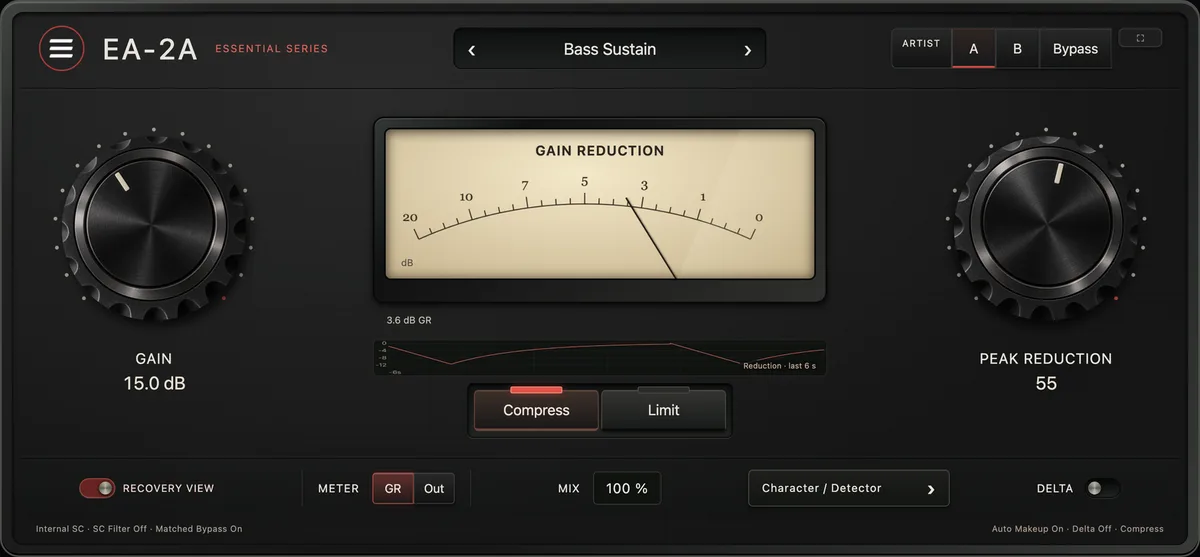
- The classic vocal chain runs EA-76 into EA-2A: the FET catches peaks, the opto levels the rest.