Learn · All Quick-Starts · 3 min
GLUE
quick-start.
Glue the 2-bus or a drum bus with two gentle dB.
5 steps · every control name is the real one · Dynamics
Set RATIO in the toolbar
RATIO cycles 2:1 / 4:1 / 10:1 — start at 2:1 on a mix bus. SC adds a sidechain high-pass so an 808 can't pump the bus; RNG caps the maximum gain reduction so the glue stays gentle when the input gets loud.
Start gentle
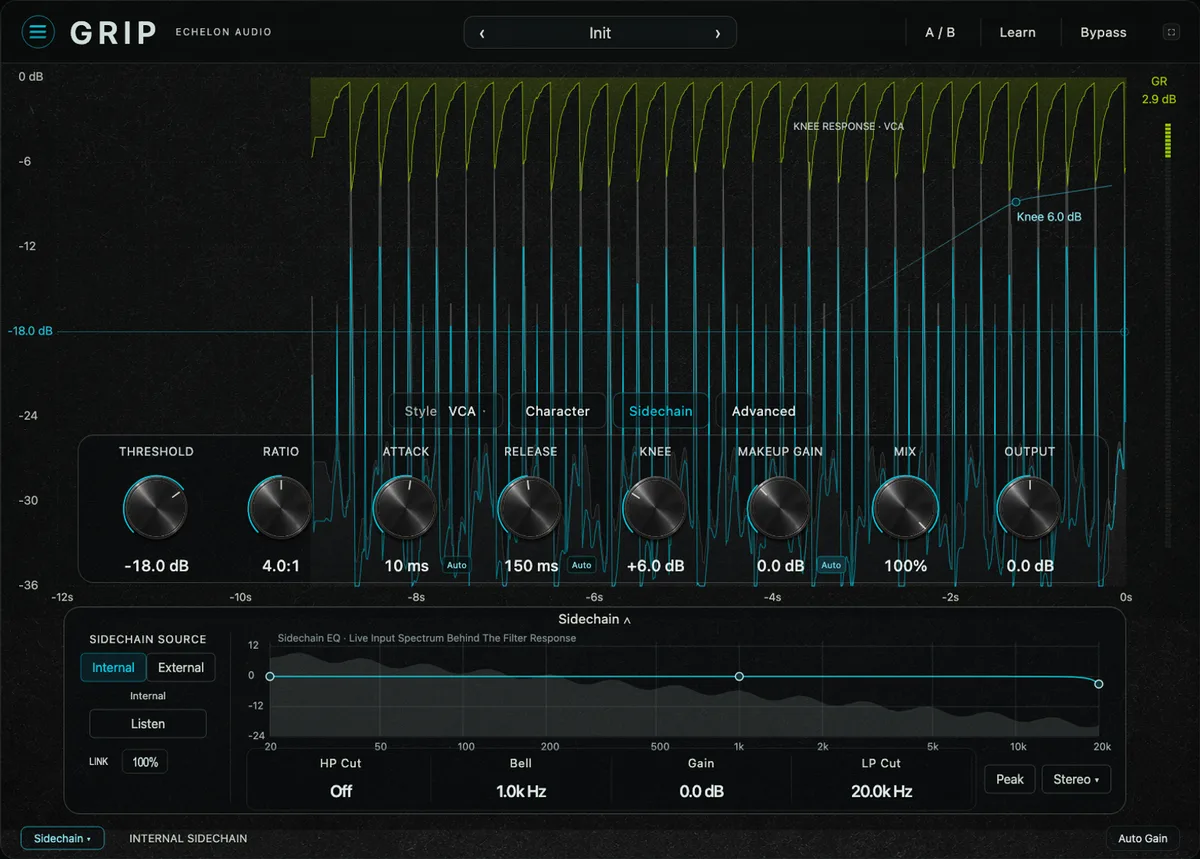
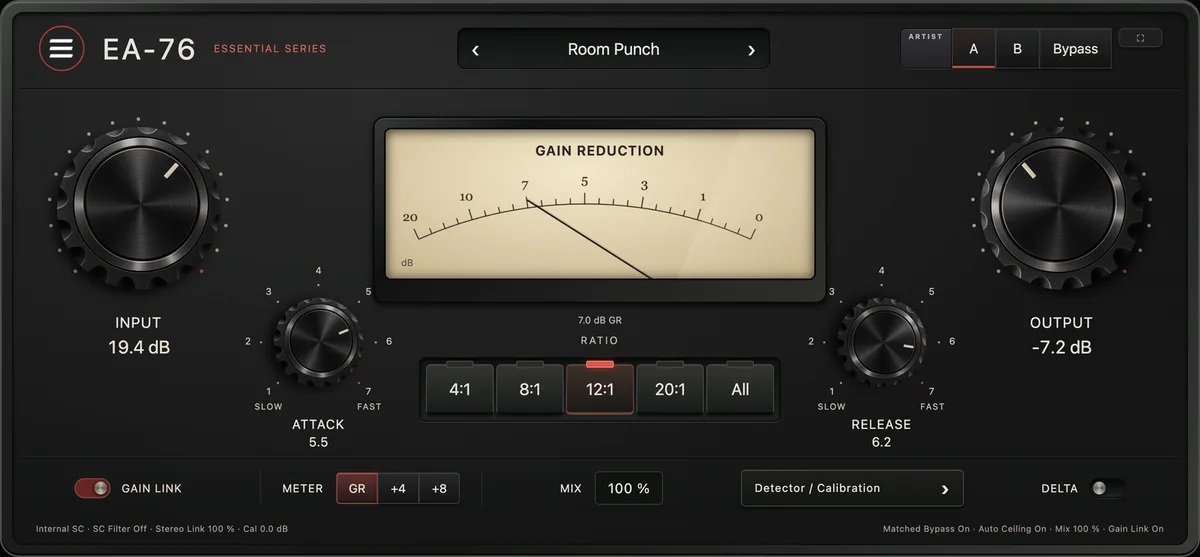
Pull THRESHOLD until the loud sections show 1–2 dB on the GAIN REDUCTION needle — no more. Keep ATTACK slow (10–30 ms) so transients crack through and set RELEASE long enough that the needle returns to zero between phrases.
Let AUTO MU handle level
With AUTO MU on in the toolbar, MAKEUP is set for you as you lower the threshold, so you judge compression, not volume. KNEE widens the transition — wider is gentler and more transparent.
Add GLUE to taste
GLUE adds the program-dependent character an analog bus gets for free. It should read as weight and cohesion, not distortion.
Parallel for drums
On a drum bus, push harder — 4–6 dB — and blend back with MIX for punch plus control. OUTPUT matches levels against BYPASS; INSTANT switches to fast, up-front leveling for vocals.
Pro moves
Once it's working.
- If the needle never returns to zero between phrases, the release is fighting the song — lengthen RELEASE.
- Glue goes last on the bus, after EQ and saturation, so it reacts to the finished balance.
- DELTA solos only what the compressor is removing; = is the matched bypass, so louder never wins the A/B.