Learn · All Quick-Starts · 6 min
AETHER
quick-start.
Build a vocal or synth space from a preset to a tuned, ducked, shimmering tail.
7 steps · every control name is the real one · Reverb
Start from a preset
Browse the factory presets from the menu in the header — room, drum and vocal workhorses plus ambient and cinematic spaces. Pick the closest one; you'll reshape it in the next steps. CLEAR flushes the tail if it's ringing while you edit.
Drag the orb
The orb is the fastest edit: drag horizontally for DECAY, vertically for SIZE; the readout under it shows DECAY · SIZE · MIX. For a vocal, 1.5–2.5 s decay in a medium size is the workhorse zone.
Separate with PRE
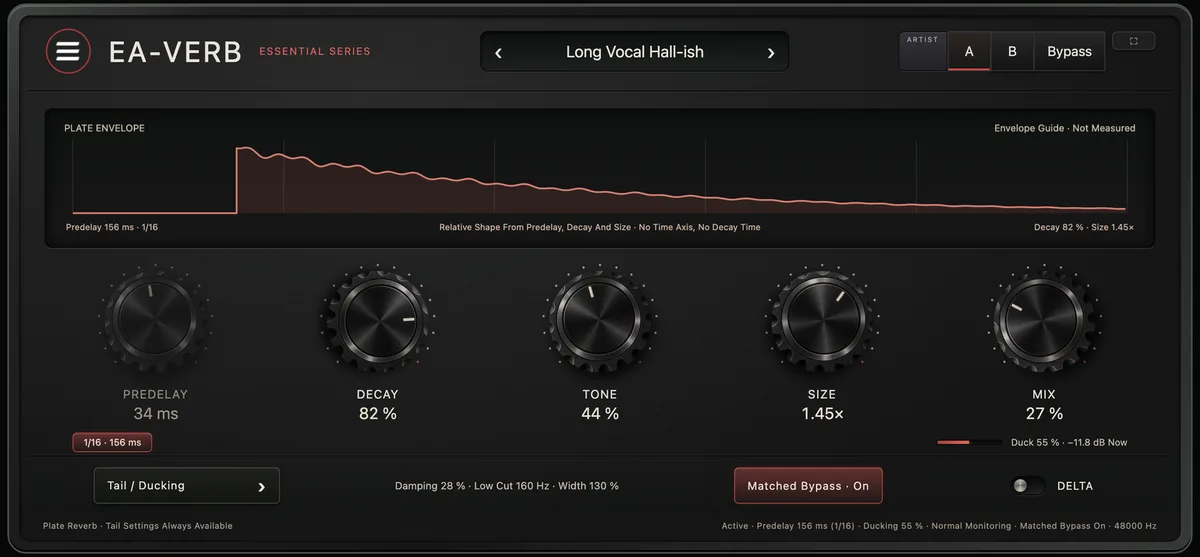
In SPACE, set PRE (predelay) to 20–80 ms so the reverb starts after the dry word and the vocal stays up front — or enable SYNC and pick a division (1/32 … 1/1) so the space breathes with the track. DISTANCE and EARLY set how close and how strong the early reflections are.
Clean the tail
In TONE, raise LOW CUT to 150–300 Hz to keep rumble and mud out of the tail, and pull HIGH CUT down to darken it into the background. DAMP controls how fast highs fade across the tail, like air absorption.
Add SHIMMER
In COLOR, raise SHIMMER for pitch-shifted feedback and set PITCH to +12 st for the classic octave-up halo (SCALE can hold it to OCT / MAJ / MIN). A little goes a long way under a vocal; more turns a pad into a cloud. WIDTH and E-WIDTH set the tail and early-reflection stereo spread.
Duck it out of the way
In OUTPUT, raise DUCK so the reverb pulls down while the dry signal plays and blooms in the gaps, with RELEASE timing the return. This keeps a big tail from swallowing a busy mix.
Blend
On an insert, set MIX to taste; on a send, run MIX at 100% and ride the send fader. Match OUTPUT against BYPASS.
Pro moves
Once it's working.
- LOW RT and HIGH RT in DECAY multiply decay per band — pull LOW RT under 1× to tighten bass buildup while the top rings on; FEED pushes the tail back into itself.
- Keep some RATE / DEPTH modulation running in MOTION — it's what keeps long tails from ringing metallic.
- FREEZE sustains the current tail infinitely — automate it on the last word of a phrase for an instant pad.
- DELTA solos the wet tail so you can tune the reverb without the dry signal masking it; CHARACTER MODE (CLEAN / VINTAGE / TAPE) sets the algorithm's colour.