Learn · All Quick-Starts · 5 min
CADENCE
quick-start.
Play full in-key chords with single notes and shape the built-in synth around them.
6 steps · every control name is the real one · Instrument
Set KEY and SCALE
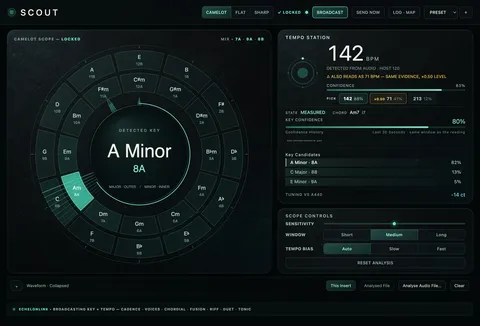
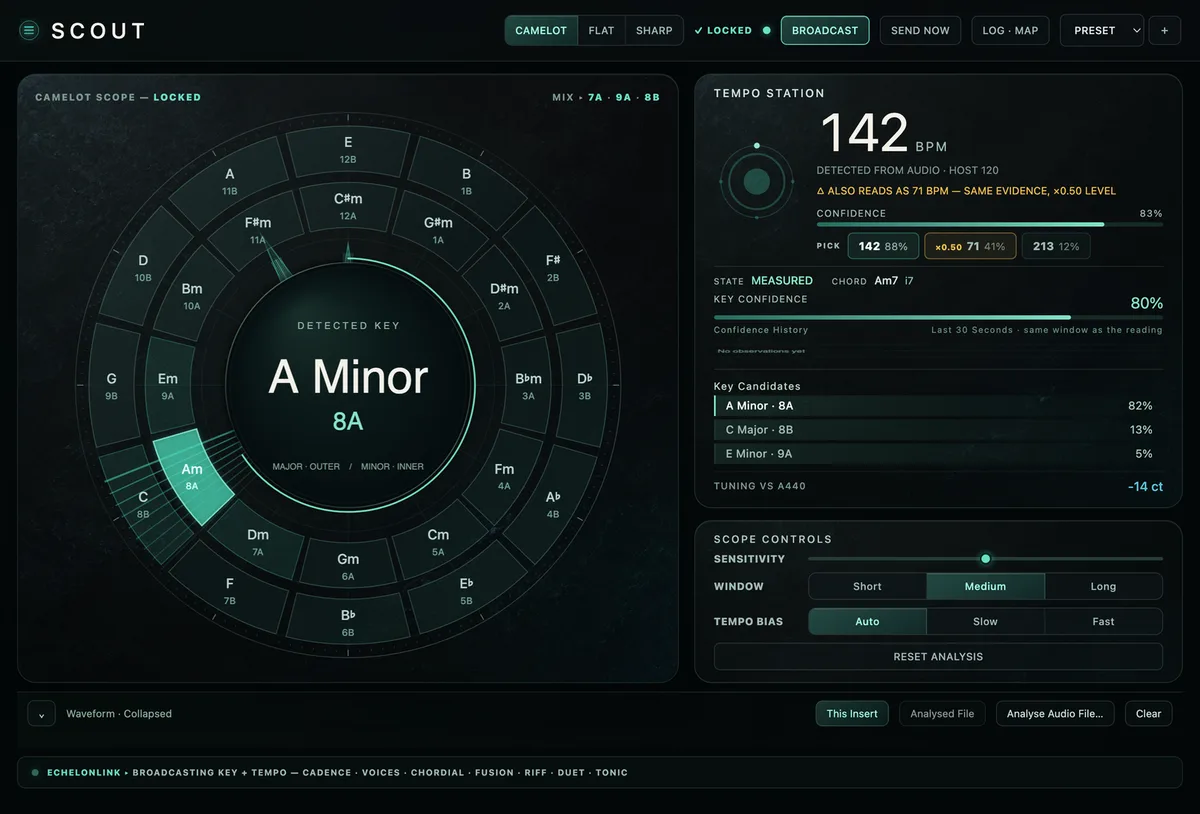
Pick the song's KEY and SCALE at the top left — from here on, every note you play is mapped into the scale, so there are no wrong chords. Press SCOUT to follow SCOUT's live detection; TRANSPOSE shifts the whole result.
Pick a CHORD type
Choose the CHORD built from each note — TRIAD for straight writing, 7ths and extensions for R&B colour. INV sets the inversion (ROOT / 1ST / 2ND / SMOOTH for voice-leading), EXT adds an extension, DROP 2 opens the voicing. Play single MIDI notes (or click the on-screen keyboard) and CADENCE voices the full chord diatonically.
Shape the sound
Pick a WAVE (SAW, SQUARE, SINE, TRI), then in TONE sculpt with CUTOFF and RESO on the FILTER, DRIVE for saturation and VEL CUT so velocity opens the filter. OCT − / + moves the writing register.
Set the ENVELOPE
Dial ATTACK / DECAY / SUSTAIN / RELEASE — short attack and release for plucky trap keys, slow attack with long release for pads.
Thicken the VOICE
In VOICE, UNISON stacks copies, DETUNE and SPREAD widen them, ANALOG adds drift, and STRUM spreads the chord tones over time — slow reads as guitar, fast as a tight keyboard roll. OUTPUT sets the level.
Add motion and space
MOTION · SPACE gives you an LFO (LFO RATE, LFO DEP, LFO DEST), DELAY and REVERB sends and a MACRO. Set OUT to AUDIO, MIDI (send the voiced chords to another instrument) or BOTH.
Pro moves
Once it's working.
- ARP, FEEL and RND in the top bar arpeggiate, humanize and randomize the voicing — audition each on a held chord.
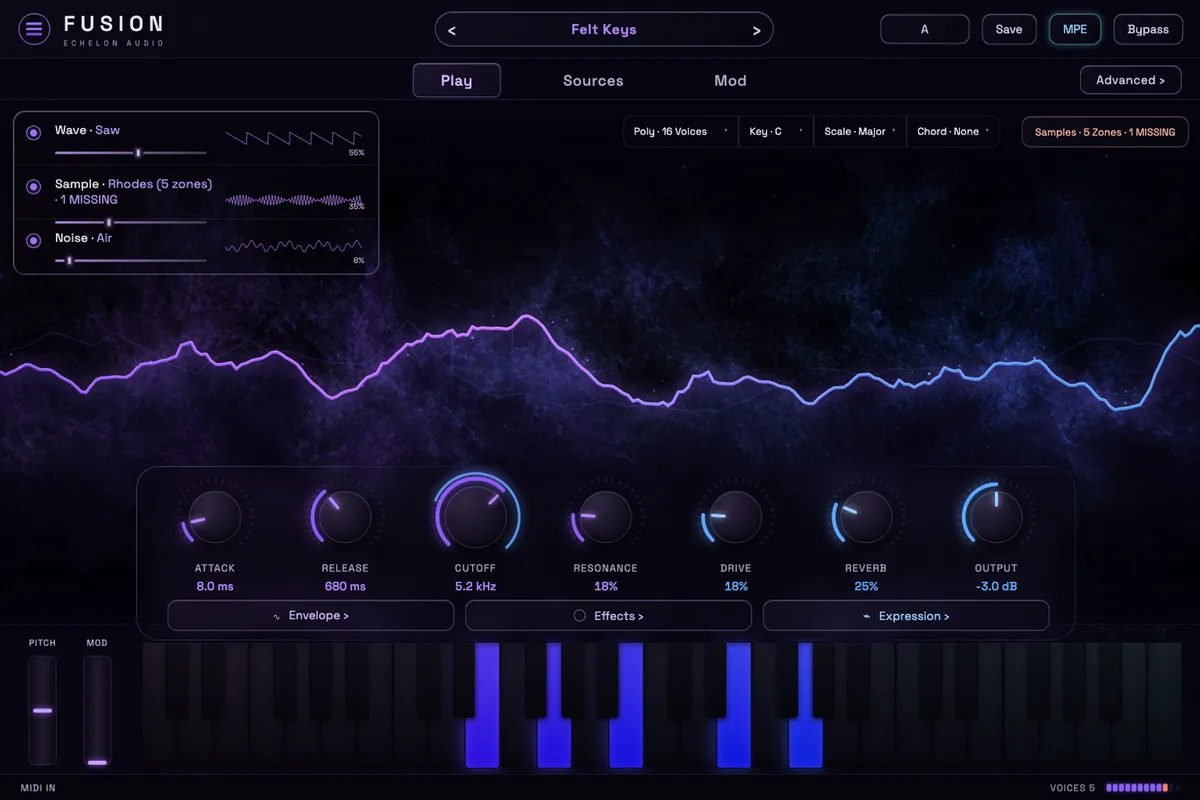
- The PLAY tab shows the same synth as one macro row (STRUM … MACRO) over the keyboard — fastest for performing; EDIT for building.
- Sanity-check the theory in a scale you know cold: play up the keyboard and every chord should be the diatonic one.
- Double-click any knob to reset it; browse presets with the ‹ › arrows before building from scratch.