Learn · All Quick-Starts · 8 min
FUSION
quick-start.
Build a huge hybrid patch from three layers, lock it to a key, and thicken it into a modern lead or pad.
7 steps · every control name is the real one · Instrument
Balance the three LAYERS
On the EDIT tab, set WAVE, SAMPLE and NOISE in LAYERS — WAVE is the wavetable harmonic core, SAMPLE adds an acoustic attack transient, NOISE adds air and texture on top. The blend of those three is the patch's identity.
Lock KEY / SCALE / CHORD
In the top bar, set KEY and SCALE, then pick a CHORD type for one-finger stacks — or leave CHORD on NONE and play it straight. MODE switches POLY / MONO, VOICES caps the polyphony, and OSC picks the oscillator model (HYBRID by default).
Shape the envelope and filter
In ENVELOPE, set DECAY and SUSTAIN (ATTACK and RELEASE live on the PLAY tab's macro row, next to CUTOFF and RES for the filter). VELCUT in VOICE makes harder playing open the filter; CLEAN / LADDER picks the filter model.
Thicken with unison
In VOICE, raise UNISON (up to 7 copies), spread them with DETUNE (subtle chorus to wide supersaw) and pan them with SPREAD. ANALOG adds per-voice vintage pitch drift like aging hardware.
Add motion
In MOTION, set LFORATE and LFODEPTH and aim the LFO at CUTOFF, PITCH or AMP. The send section — DRIVE, DELAY, REVERB, CHORUS, OUTPUT — sits on the PLAY tab; the MOD tab holds the filter envelope, both LFOs, DELAYTIME / DELAYFB / REVERBSIZE and DLY SYNC.
Route modulation
Drag a source chip (ENV 1, ENV 2, LFO 1, LFO 2, VELOCITY, KEY TRACK, RANDOM, MOD WHEEL, AFTERTOUCH, BEND) onto any knob to create a route — the knob draws its modulation range as a second arc. On the MOD tab, FAMOUNT goes negative for the acid-style reverse sweep.
Drop your own sample
Hit DROP WAV (or drop a WAV/AIFF on it) — an 808, a vocal chop, a foley hit — and the SAMPLE layer plays YOUR one-shot, pitch-tracked from its root. FREEZE C4 pins it to a fixed pitch instead.
Pro moves
Once it's working.
- FUSION is always listening: drag the ⇪ CAP chip into your DAW to drop your recent playing as a MIDI clip — the take you just improvised is never lost.
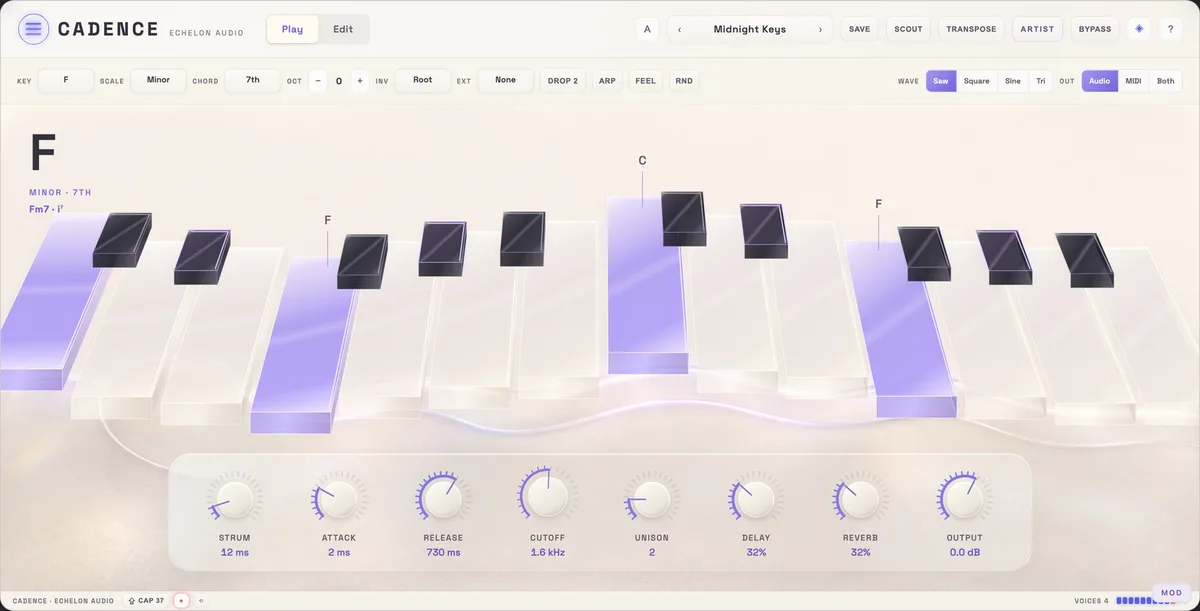
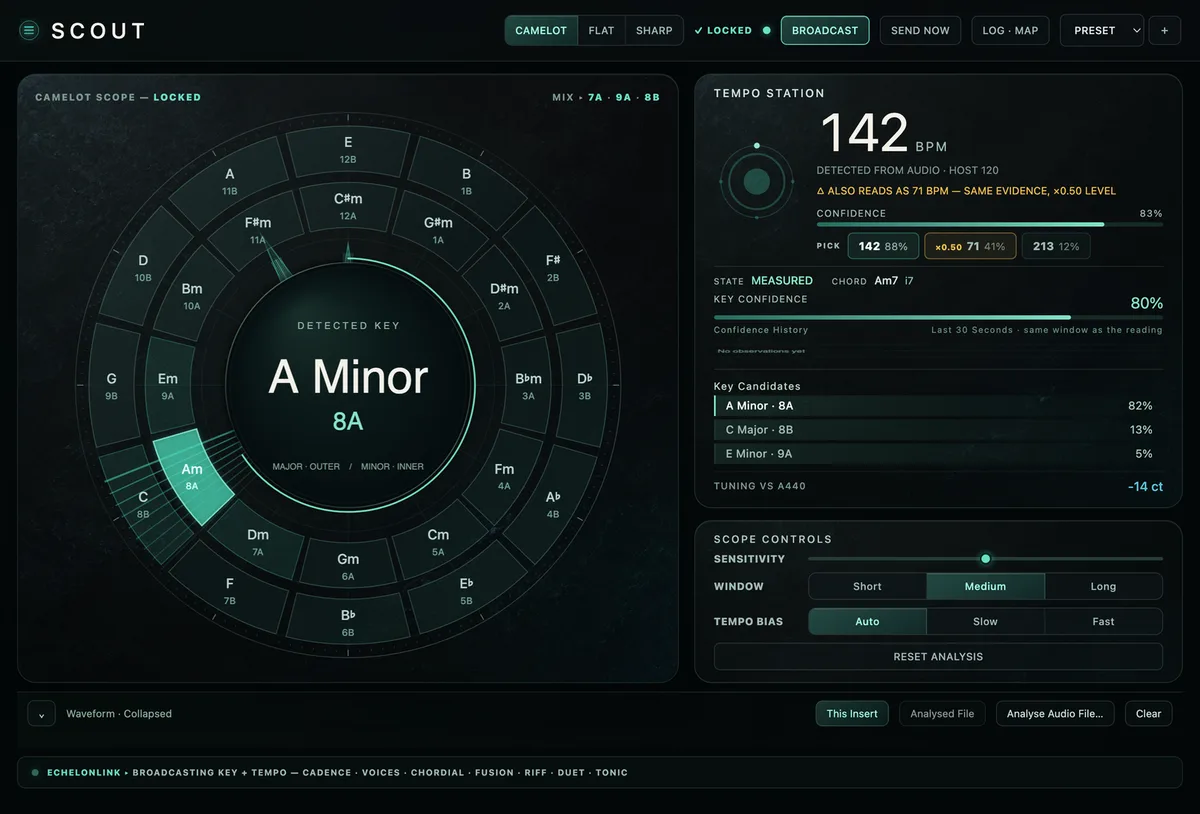
- SCOUT follows SCOUT's live key detection; TRANSPOSE makes a key change shift actual pitch instead of just re-mapping notes.
- Right-click any knob to type an exact value; double-click resets; shift-drag is fine adjustment.