

Dynamics · one of the 47
CREST
Loud enough for streaming. Clean enough to keep.
8 limiter styles, true-peak safety and a gain setting that lands your LUFS target — push masters loud without hearing it.
- Formats
- VST3 · AU · AAX
- Runs on
- macOS + Windows
- Licensing
- iLok · no dongle
- Installs via
- Echelon Hub
Own it
CREST plus any two non-flagships, owned outright: $50 more than CREST alone. CREST is a flagship (a $149+ unit) and takes the one the Pick 3 includes; each other flagship is +$49.
5 × $24.83 + $24.85, then CREST is yours · $149.00 total, no interest. Cancel or pay off anytime. USD.
Trial covers all 47 units, then $17.99/mo. Buy Now goes straight to checkout.
macOS (Universal) + Windows · iLok · New plugins drop Every Friday
Not today? so it’s easy to find again.

01CEILING
No overshoot.
Ceiling in dBTP, with lookahead.

02GAIN-REDUCTION HISTORY
Watch Every Peak.
Input, output and reduction across the last 12 seconds.

03LIMITER CONTROLS
Release on Auto.
Program-dependent Auto release; lookahead from 0.1 to 20 ms.

04LOUDNESS
Land on Target.
LUFS, LRA and PSR, plus Auto Gain to target.

05MATCHED BYPASS
Honest A/B.
Bypass is trimmed to compare at equal loudness.
Hear it · one instance · level-matched
Raw, then CREST.
Measured on this demo · method
The face · v1.5.0 · VST3 · AU · AAX
What opens in your DAW.
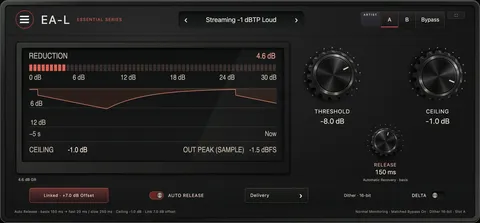
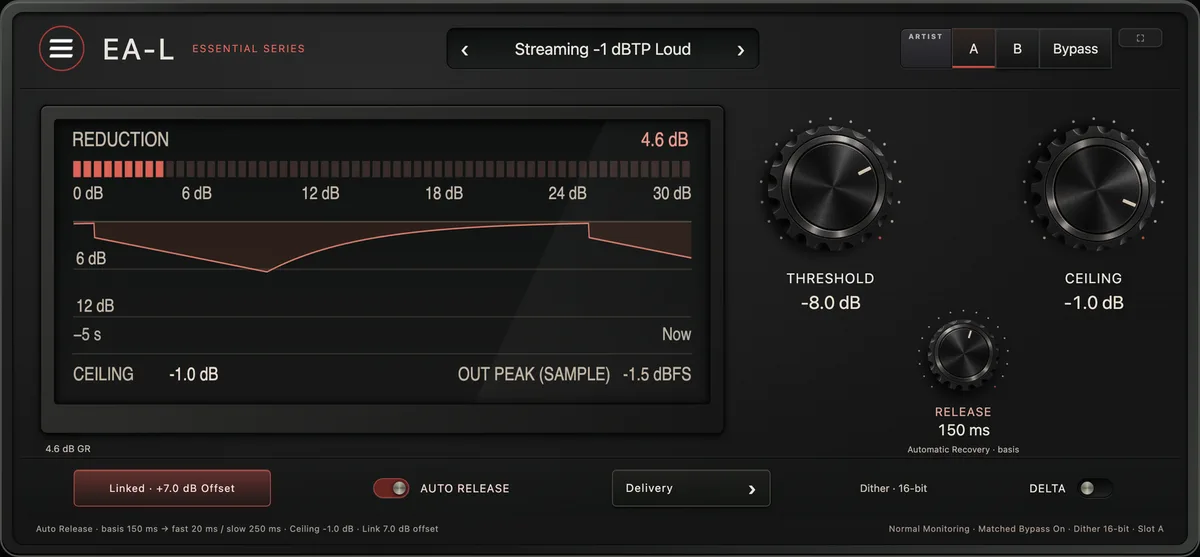
The film builds CREST as hardware. This is the interface itself, exactly as it ships.
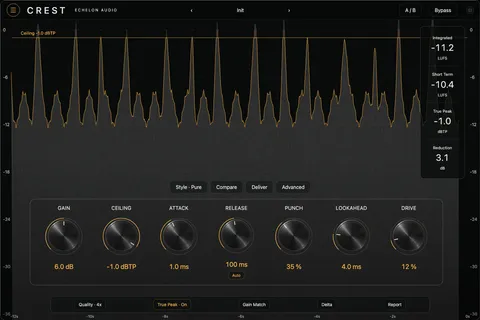
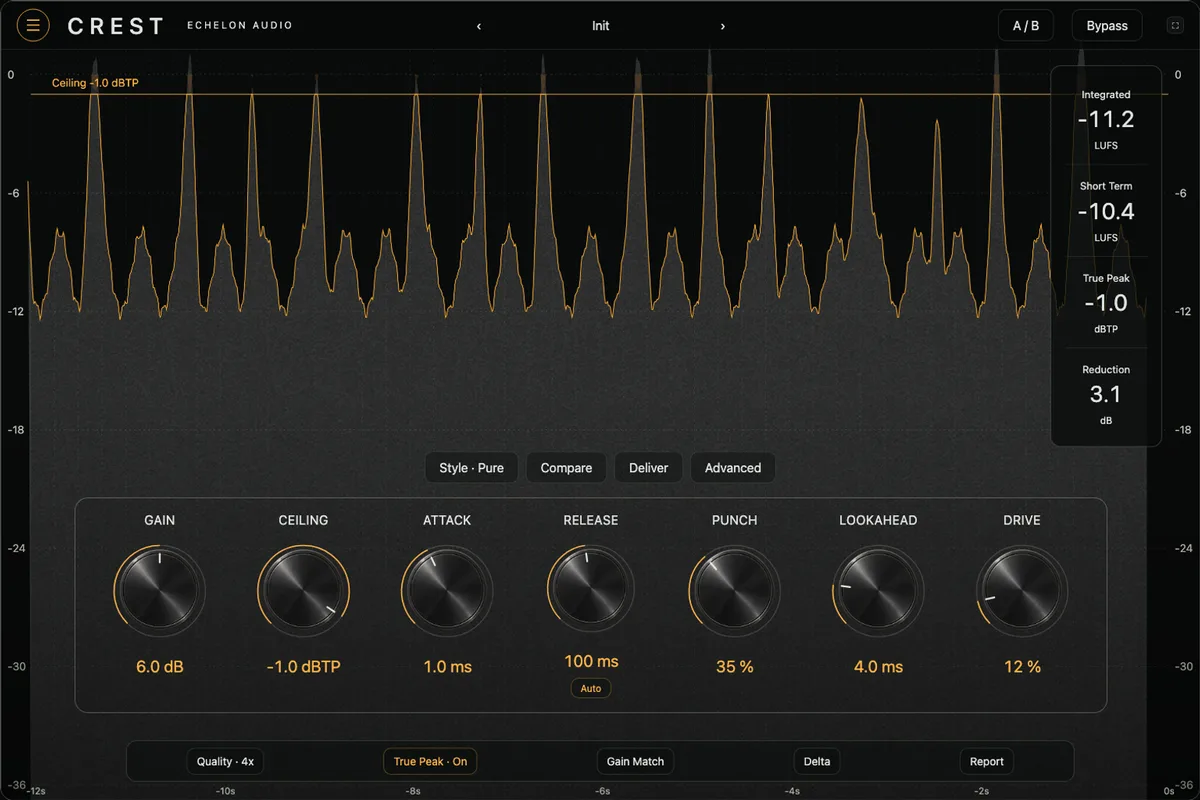
Walkthrough · 33 s · sound on
CREST in 33 seconds.
What it's doing, then the same passage with CREST bypassed and in — level-matched, on its own faceplate — and the quick facts.
Why it exists
true-peak limiter / maximizer
Chasing a loudness target by hand is a loop of bounce, meter, nudge, bounce again — and the moment the codec touches it, your ceiling isn't your ceiling anymore.
CREST drives to your LUFS goal on its own, holds a true-peak ceiling that survives AAC, and gives you eight limiter flavors from invisible to aggressive. Push it 6 dB past sensible and listen to it hold together.
In the session
- 01Set gain to your LUFS target and drive straight to it.
- 02Hold a −1 dBTP ceiling that survives the codec.
- 03Pick from 8 styles, transparent to aggressive.
- 04Read the gain-reduction history instead of guessing.
Under the hood
What's inside CREST.
- 8 limiter styles — transparent → aggressive
- True-peak safe for streaming
- Set gain to your LUFS target
- Gain-reduction history
System requirements
- Version
- v1.5.0
- Formats
- VST3 · AU · AAX
- macOS
- macOS 11+ · Apple Silicon + Intel (Universal)
- Windows
- Windows 10/11 · 64-bit · VST3 + AAX
- Licensing
- iLok · machine, cloud or USB
- Delivery
- Echelon Audio Hub
Buyer's guide
Which ceiling?
Ways to hit a loudness target without hearing it happen. The difference is where in the chain the job gets done.
Straight answers
Before you run CREST.
Which DAWs does CREST work in?
Pro Tools (AAX); Logic Pro and GarageBand (AU, macOS); Ableton Live, FL Studio, Cubase, Studio One and Reaper (VST3). It ships as VST3, AU, AAX on macOS and Windows. The install guide covers where each format lands and how to rescan if a host doesn't see it.
What are the system requirements?
macOS: macOS 11+ · Apple Silicon + Intel (Universal). Windows: Windows 10/11 · 64-bit · VST3 + AAX. Licensing is iLok; no USB dongle is required.
Does CREST add latency?
Where the engine needs lookahead or oversampling, CREST reports its latency to your DAW, which compensates automatically, so it stays in time with the rest of the session. On a live input, check your host's low-latency or monitoring mode.
Can I try CREST before buying?
Yes, through the subscription: the 7-day trial covers every unit, CREST included, with nothing charged until it ends. Individual plugins and bundles don't have separate trials.
Do I need an iLok dongle?
No. The license lives on your iLok account and can be activated to your computer, to iLok Cloud, or to a USB key — your choice.
How do I install it?
Through the Echelon Audio Hub: sign in once, and it installs, updates and rolls back every unit you own or subscribe to.
Are updates free?
Yes. A perpetual CREST license includes every update to CREST; subscribers get updates and every new unit as it lands.
What if it doesn't work for me?
Perpetual licenses have a 7-day refund window from purchase, as long as the license is surrendered from your iLok account. On the subscription, cancelling inside the trial means you pay nothing. If something is broken and support can't fix it, we'll make it right regardless.
Ready when the session is
Run CREST tonight.
All 47 units free for 7 days, or own CREST outright for $149.