 CLIP · v1.1.0 · VST3 · AU · AAX
Dynamics · one of the 37
CLIP
Peaks off. Loudness on. Before the limiter.
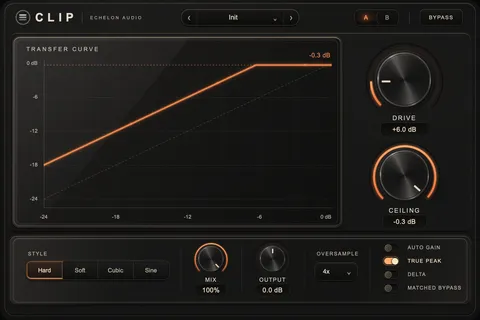
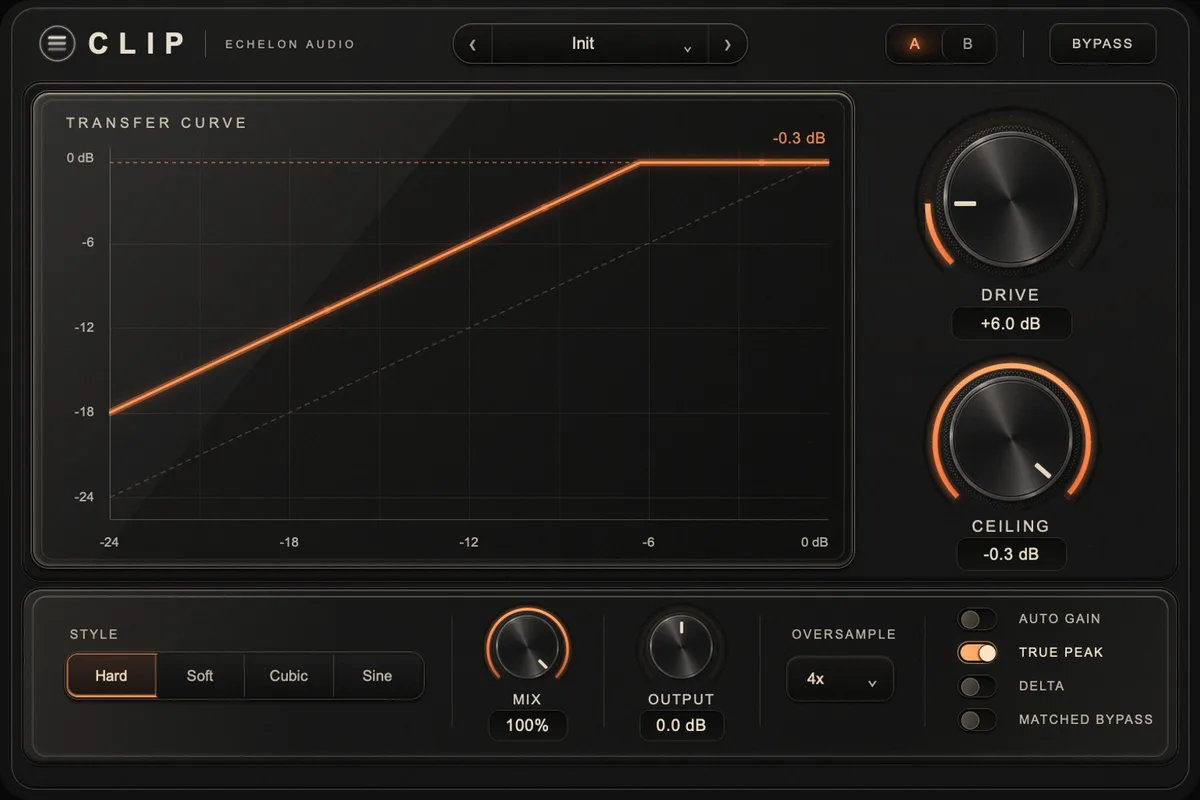
Four clip shapes with a continuous knee, oversampling to 16× in minimum or linear phase, and a true-peak-safe ceiling — with everything it shaves measured on screen.
Own it
Trial covers all 37 units, then $17.99/mo. Buy Now goes straight to checkout.
macOS (Universal) · Windows to follow · iLok · New plugins drop Sept 25
Not today? so it’s easy to find again.
Why it exists
Your limiter is doing two jobs at once: holding the ceiling, and fighting the three transients that sit 4 dB above everything else in the song. Ask it to do both and you hear it working — it pumps on the snare and takes the top with it.
CLIP handles the peaks first. Pick a shape, round the corner with KNEE until the transient reads the way you want, and the limiter goes back to being a safety net. The curve on screen is the curve your audio goes through, and the strip under it reports short-term LUFS in and out, the output dBTP and how much was shaved.
In the session
- Take the top off the peaks and give the limiter an easy night.
- Round the corner with KNEE until the snare keeps its attack.
- Switch to linear phase when the master has to stay phase-honest.
- Read LUFS in, LUFS out and output dBTP while you push.
Under the hood
System requirements
Buyer's guide
Which ceiling?
Ways to hit a loudness target without hearing it happen. The difference is where in the chain the job gets done.