

Dynamics · one of the 47
EA-L
Pull down. Get louder. Never clip.
The three-control brickwall: THRESHOLD, true-peak CEILING, RELEASE with AUTO. Loudness with a hardware-simple contract.
- Formats
- VST3 · AU · AAX
- Runs on
- macOS + Windows
- Licensing
- iLok · no dongle
- Installs via
- Echelon Hub
Own it
Pick the units; we’ll show you whether a pack beats buying them one at a time. Flagships (the $149+ units): the Pick 3 includes 1, the Pick 5 2; each beyond that is +$49.
6 × $6.50, then EA-L is yours · $39.00 total, no interest. Cancel or pay off anytime. USD.
Trial covers all 47 units, then $17.99/mo. Buy Now goes straight to checkout.
macOS (Universal) + Windows · iLok · New plugins drop Oct 30
Not today? so it’s easy to find again.

01THRESHOLD
Drive Into the Wall.
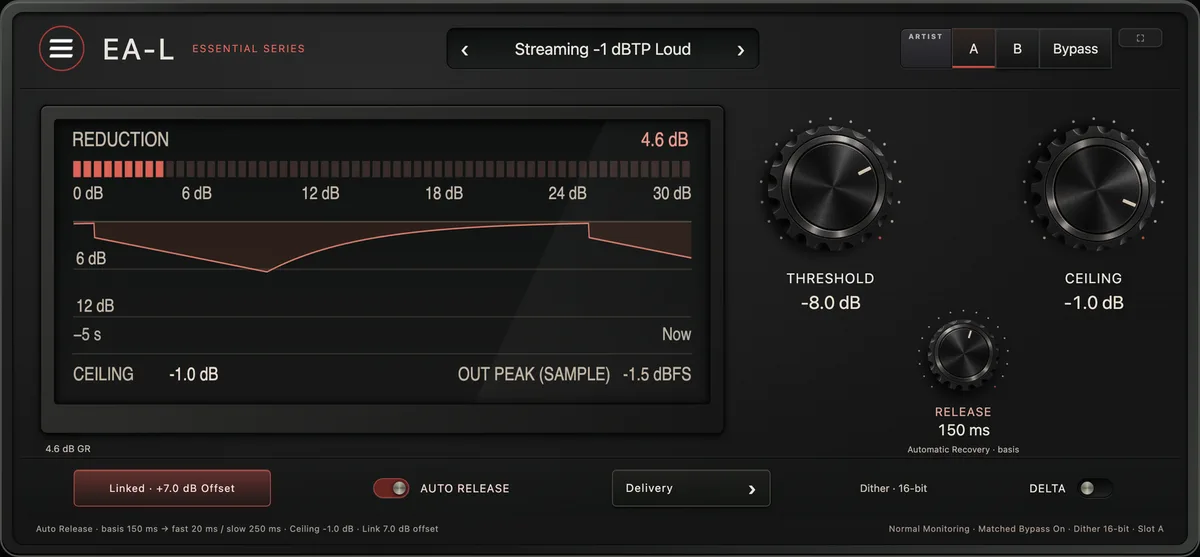
Threshold pushes level into a ceiling that never clips.

02REDUCTION DISPLAY
A Display, Not a VU
60 segments of reduction, five seconds of history.

03THRESHOLD · CEILING · RELEASE
Pull Threshold, Get Louder
Hardware-style: pull threshold down and it gets louder.

04AUTO RELEASE
Dual Release on Auto
Program-dependent, with both poles set from Release.

05LINK
Move Them Together
Threshold and ceiling move together; the offset holds exactly.
Hear it · one instance · level-matched
Raw, then EA-L.
Measured on this demo · method
Bench receipts · what shipped had to prove
- 13/13 battery checks green · auval PASS
- True-peak ceiling ISP-verified at 8× — no sample and no inter-sample peak above ceiling
- Honest loudness transfer: threshold pull converts ≥ 0.8× into integrated loudness up to ~6 dB GR
- Exact PDC · bypass null · idle path transparent to ≤ −120 dB
The face · v1.2.8 · VST3 · AU · AAX
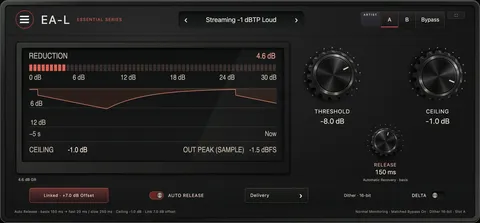
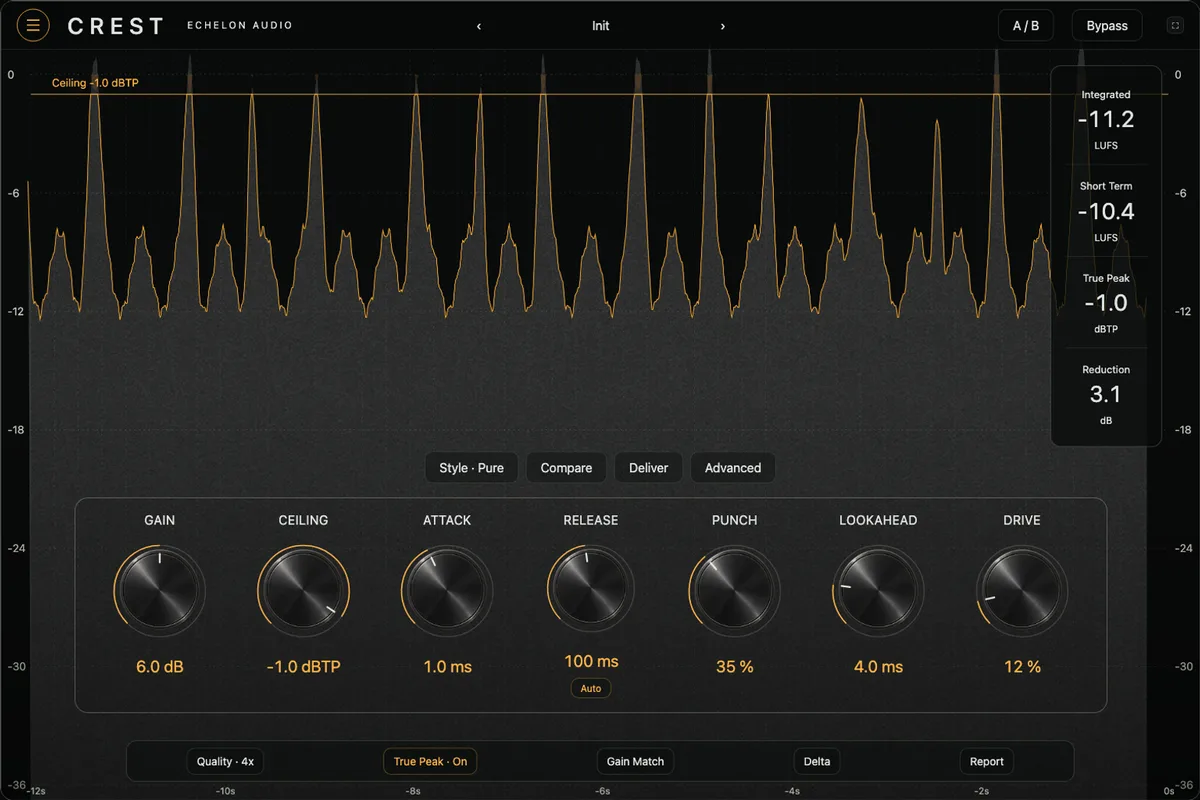
What opens in your DAW.
The film builds EA-L as hardware. This is the interface itself, exactly as it ships.
Walkthrough · 33 s · sound on
EA-L in 33 seconds.
What it's doing, then the same passage with EA-L bypassed and in — level-matched, on its own faceplate — and the quick facts.
Why it exists
true-peak brickwall limiter
Mastering limiters are magnificent and slow — eight styles, a loudness suite, a learning curve. Most buses just need the classic contract: set the ceiling, pull down, it gets louder, it never clips.
EA-L is that contract with a true-peak guarantee — the ceiling holds even between samples, verified against an upsampled inter-sample check. AUTO release reads crest factor and handles transients and program separately. Lookahead is reported to the host exactly.
In the session
- 01Pull THRESHOLD and watch loudness climb dB-for-dB.
- 02Trust the ceiling on every streaming platform — true-peak safe.
- 03Let AUTO release survive the dense sections for you.
- 04Print with exact latency compensation — nothing flams.
Under the hood
What's inside EA-L.
- True-peak ceiling — inter-sample safe
- Threshold pull = loudness, hardware-style
- AUTO program-dependent dual release
- Lookahead limiting, exact PDC
System requirements
- Version
- v1.2.8
- Formats
- VST3 · AU · AAX
- macOS
- macOS 11+ · Apple Silicon + Intel (Universal)
- Windows
- Windows 10/11 · 64-bit · VST3 + AAX
- Licensing
- iLok · machine, cloud or USB
- Delivery
- Echelon Audio Hub
Buyer's guide
Which ceiling?
Ways to hit a loudness target without hearing it happen. The difference is where in the chain the job gets done.
Straight answers
Before you run EA-L.
Which DAWs does EA-L work in?
Pro Tools (AAX); Logic Pro and GarageBand (AU, macOS); Ableton Live, FL Studio, Cubase, Studio One and Reaper (VST3). It ships as VST3, AU, AAX on macOS and Windows. The install guide covers where each format lands and how to rescan if a host doesn't see it.
What are the system requirements?
macOS: macOS 11+ · Apple Silicon + Intel (Universal). Windows: Windows 10/11 · 64-bit · VST3 + AAX. Licensing is iLok; no USB dongle is required.
Does EA-L add latency?
Where the engine needs lookahead or oversampling, EA-L reports its latency to your DAW, which compensates automatically, so it stays in time with the rest of the session. On a live input, check your host's low-latency or monitoring mode.
Can I try EA-L before buying?
Yes, through the subscription: the 7-day trial covers every unit, EA-L included, with nothing charged until it ends. Individual plugins and bundles don't have separate trials.
Do I need an iLok dongle?
No. The license lives on your iLok account and can be activated to your computer, to iLok Cloud, or to a USB key — your choice.
How do I install it?
Through the Echelon Audio Hub: sign in once, and it installs, updates and rolls back every unit you own or subscribe to.
Are updates free?
Yes. A perpetual EA-L license includes every update to EA-L; subscribers get updates and every new unit as it lands.
What if it doesn't work for me?
Perpetual licenses have a 7-day refund window from purchase, as long as the license is surrendered from your iLok account. On the subscription, cancelling inside the trial means you pay nothing. If something is broken and support can't fix it, we'll make it right regardless.
Ready when the session is
Run EA-L tonight.
All 47 units free for 7 days, or own EA-L outright for $39.