Learn · All Quick-Starts · 2 min
EA-L
quick-start.
Brickwall a bus or master to a true-peak-safe ceiling.
4 steps · every control name is the real one · Dynamics
01
Set CEILING
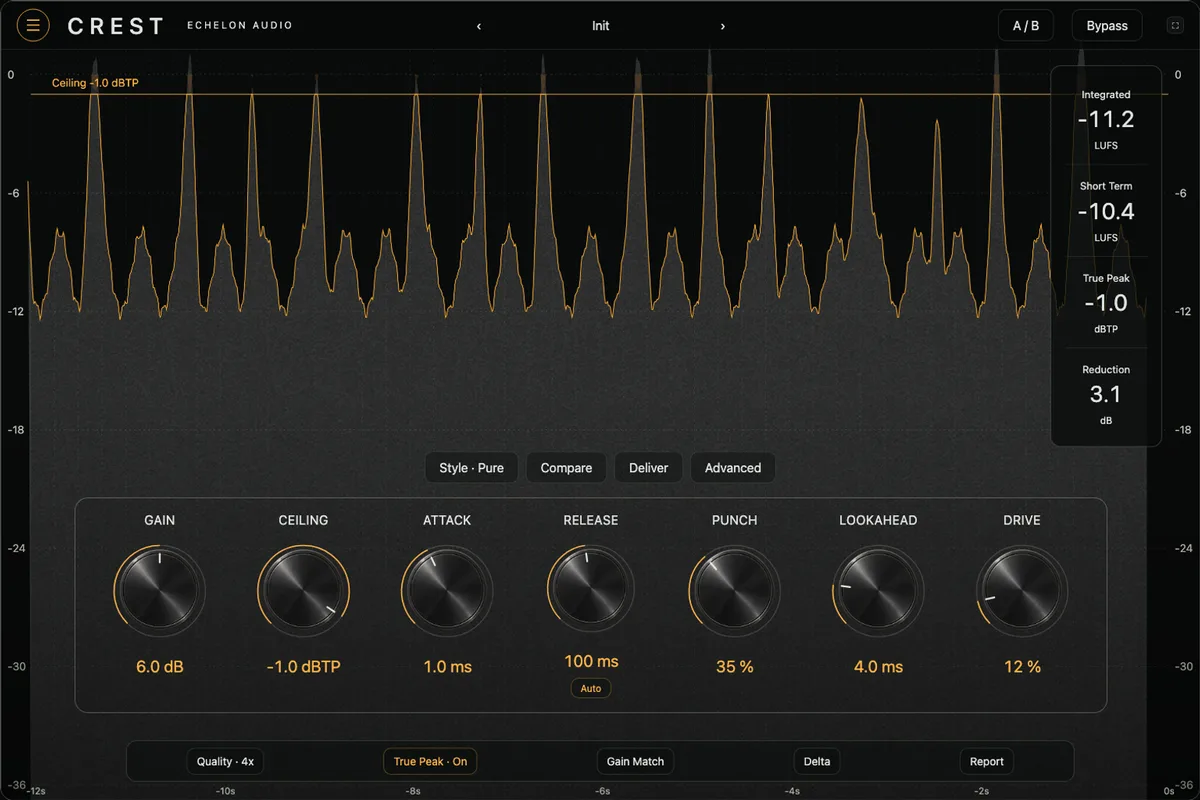
−1.0 dB is the safe streaming default. The ceiling is true-peak: output never exceeds it, even between samples.
02
Pull THRESHOLD
Pull down and it gets louder — makeup is implicit, hardware-style. Watch the GR column; 3–6 dB on peaks is transparent territory.
03
Set RELEASE or trust AUTO
AUTO reads crest factor and releases fast on transients, slow on program — the set-and-forget choice. Manual RELEASE (1–1000 ms) when you want to tune the pump.
04
Check the meters
The stacked IN / GR / OUT columns tell the whole story, with LUFS M / S / I and dBTP TP alongside (RESET clears them) — if GR lives above 6 dB the whole song, back off and fix the mix instead.
Pro moves
Once it's working.
- EA-L reports its lookahead latency exactly — safe on a live-tracking session only if your DAW compensates record paths.
- For loudness targets, push THRESHOLD until the integrated (I) level hits your number; the ceiling guarantees the platform side. DITHER (16 / 24 bit) is on the rear panel.